
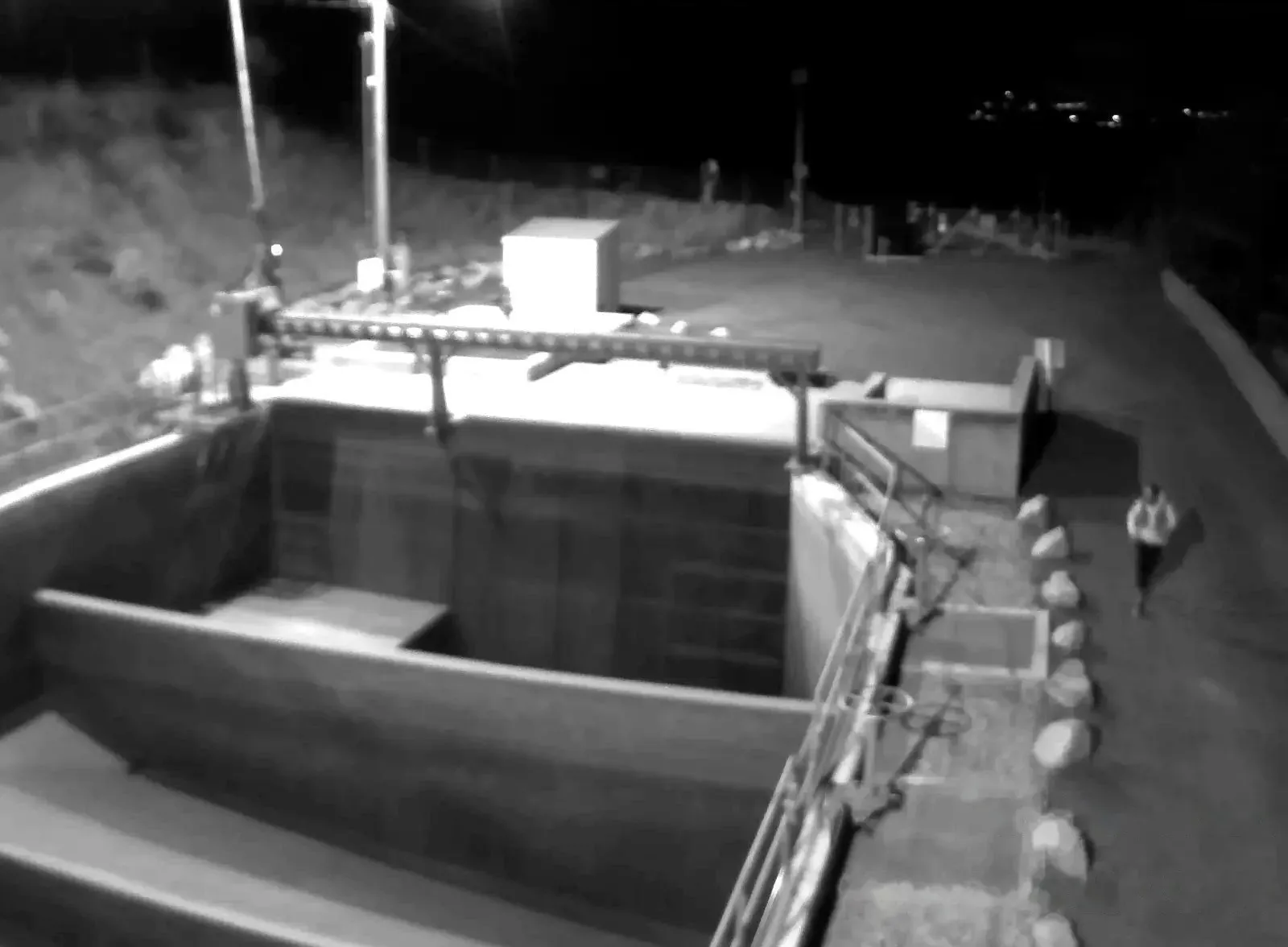
Security cameras that detect and deter intruders.
AXN detects people and vehicles on site, warns intruders through speakers, and sends the alert and video clip to your phone. Works on iPhone, iPad, Android, the web and any TV.
Detection, talk-down and video evidence in one system
The AI runs on site, your zones and schedules decide what counts as an alarm, the speakers respond, and the clip goes to your phone.
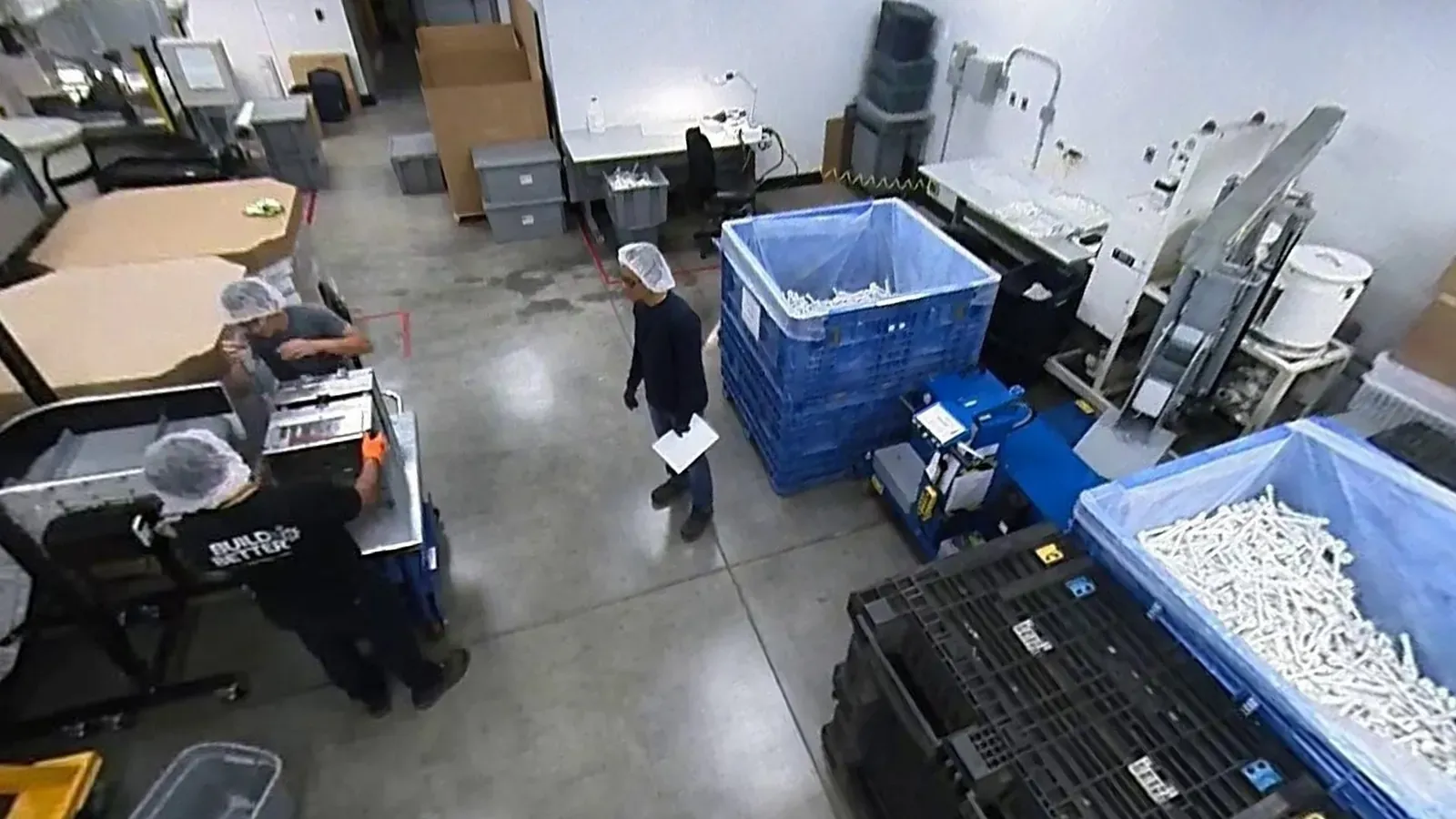
Detection
AI on site detects people and vehicles in real time, day or night.
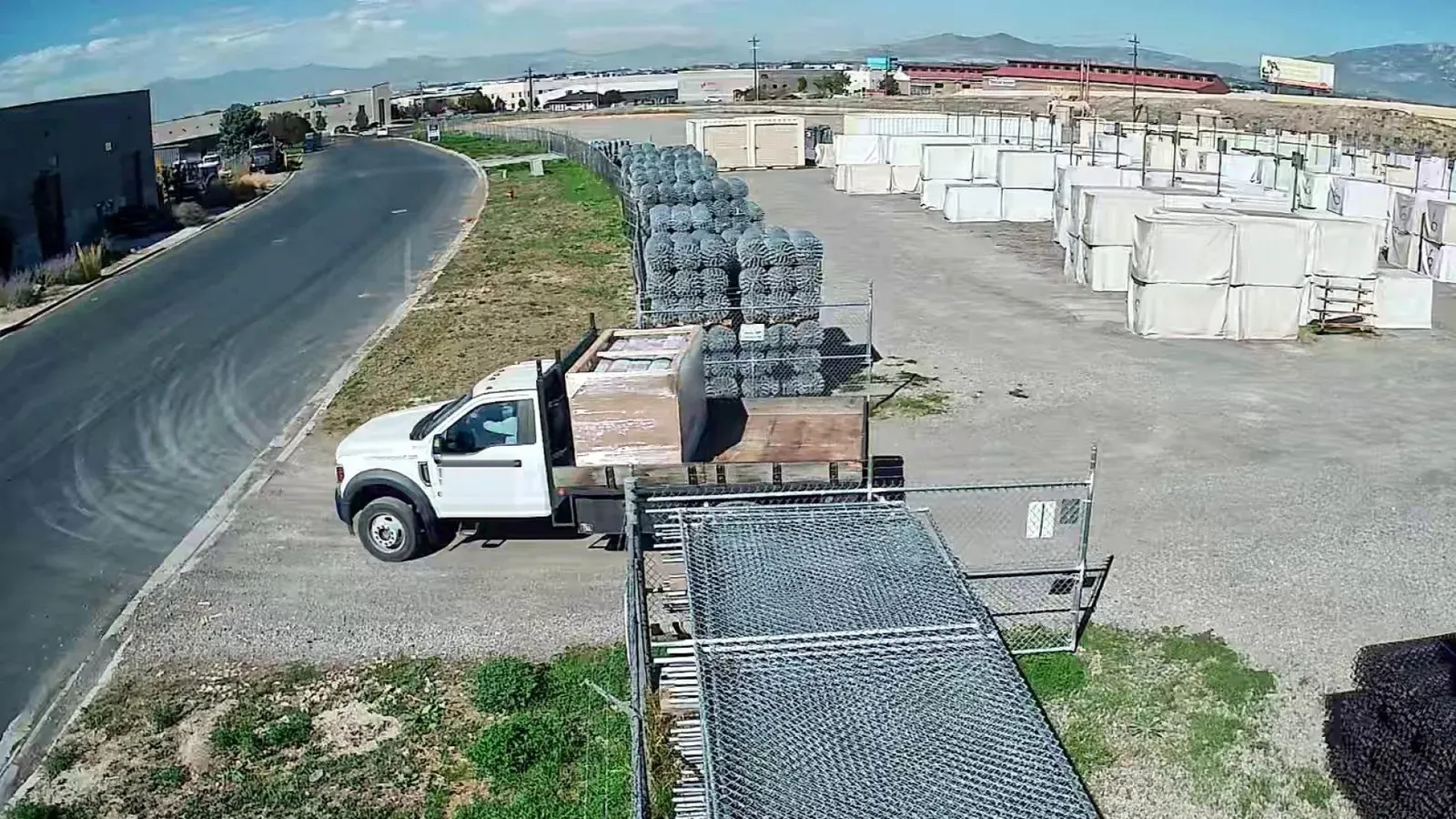
Zones and schedules
Your zones and arming schedule decide what triggers an alarm.

Talk-down
Speakers on site play a warning, or you talk live from the app.
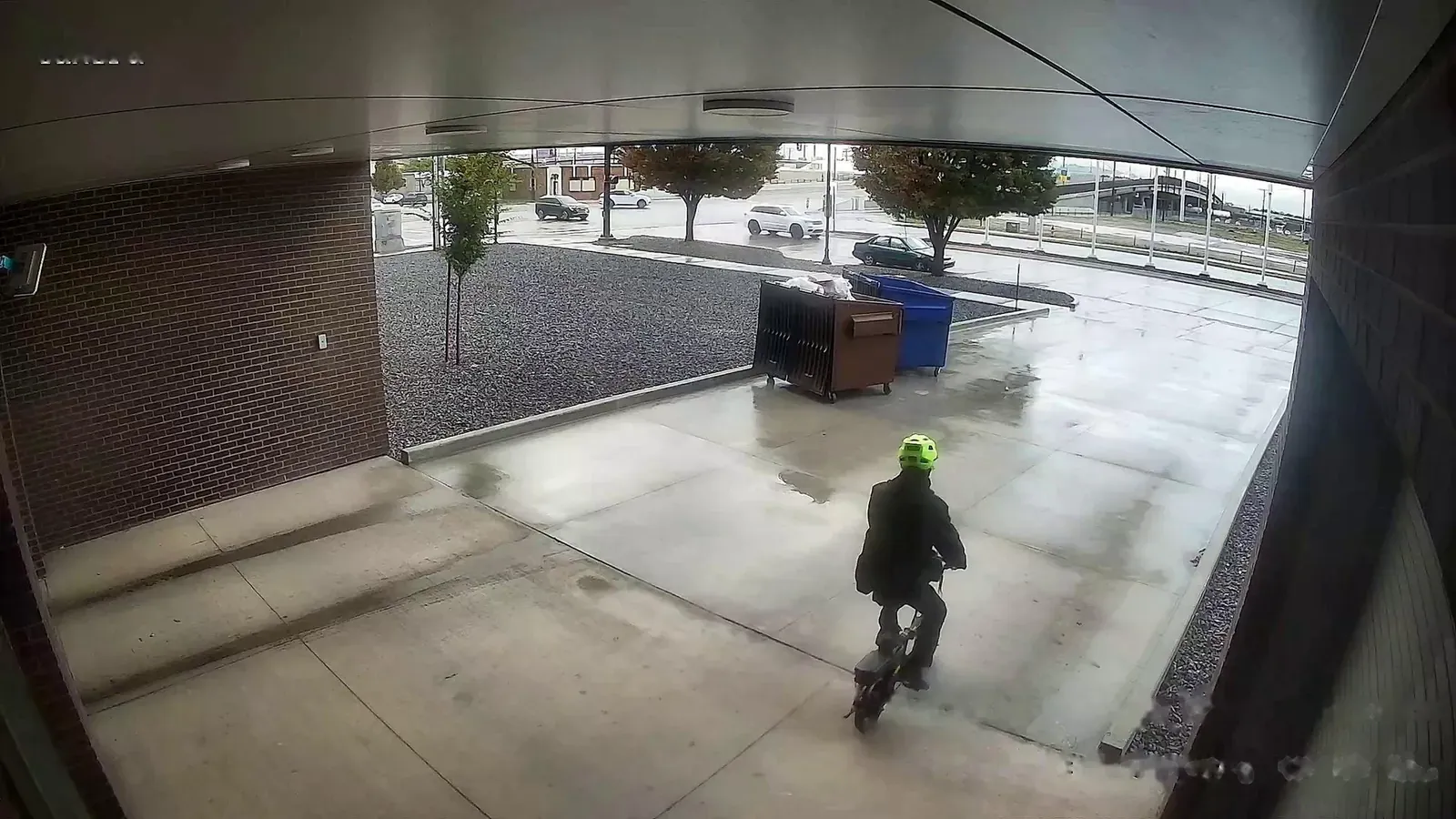
Alerts and video
You get a push alert with a snapshot. Tap it to open the clip.
Solutions by industry
Construction & jobsites
Protect equipment and materials after hours.
Learn more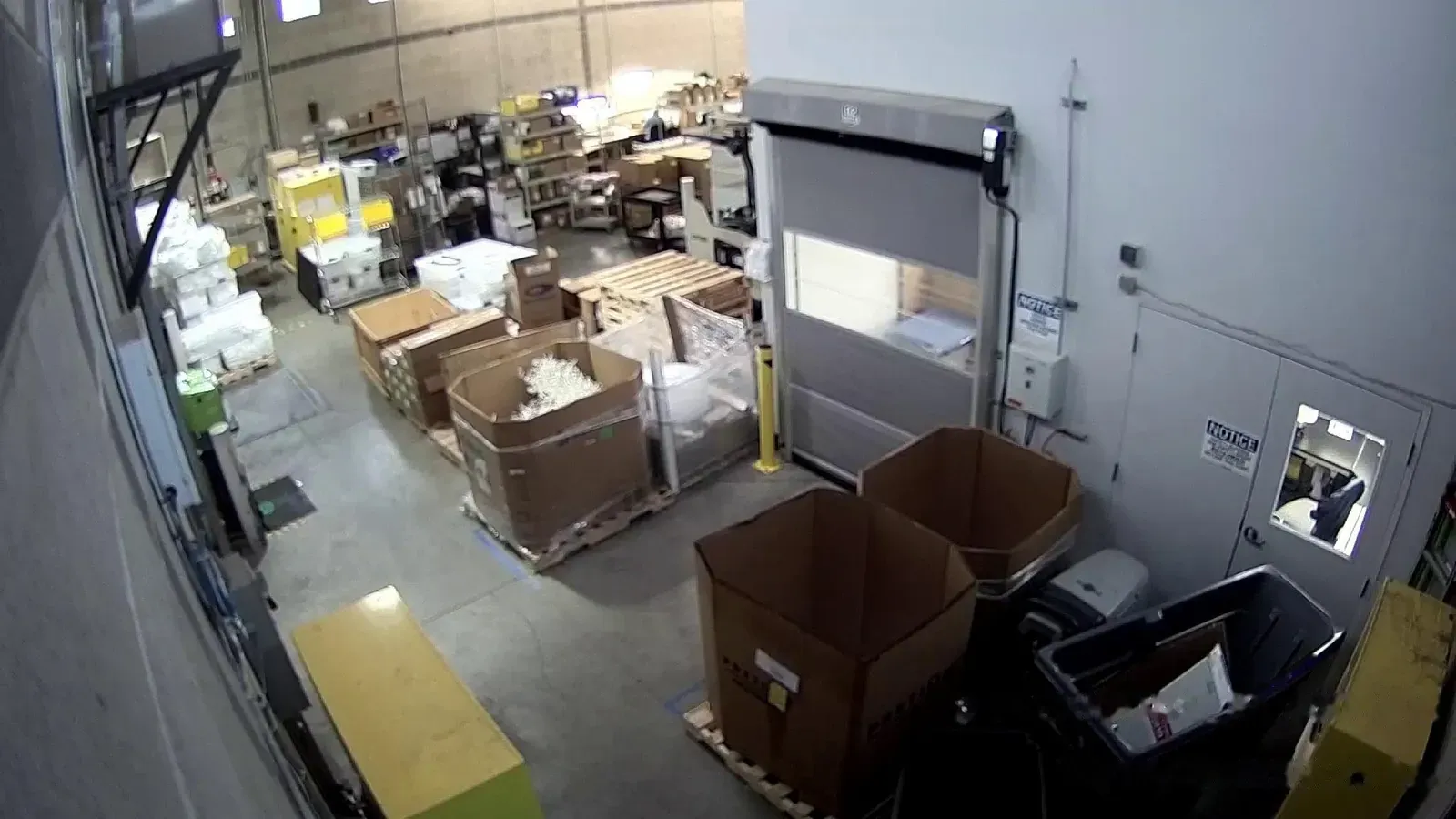
Small business & home
See your business and home cameras on your phone or the TV at home.
Learn more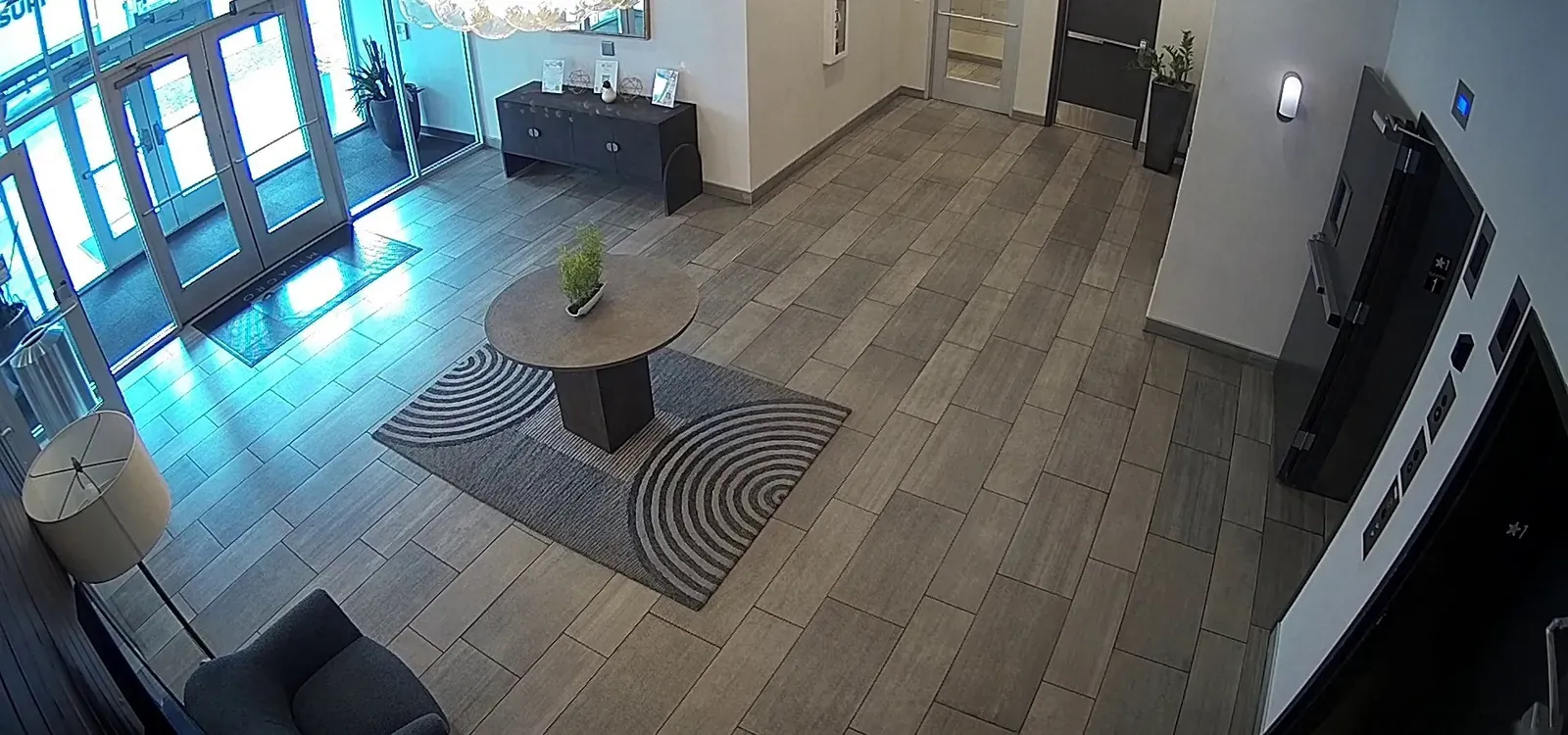
Commercial buildings
Spot first-time visitors, catch after-hours entries and search footage across the building.
Learn more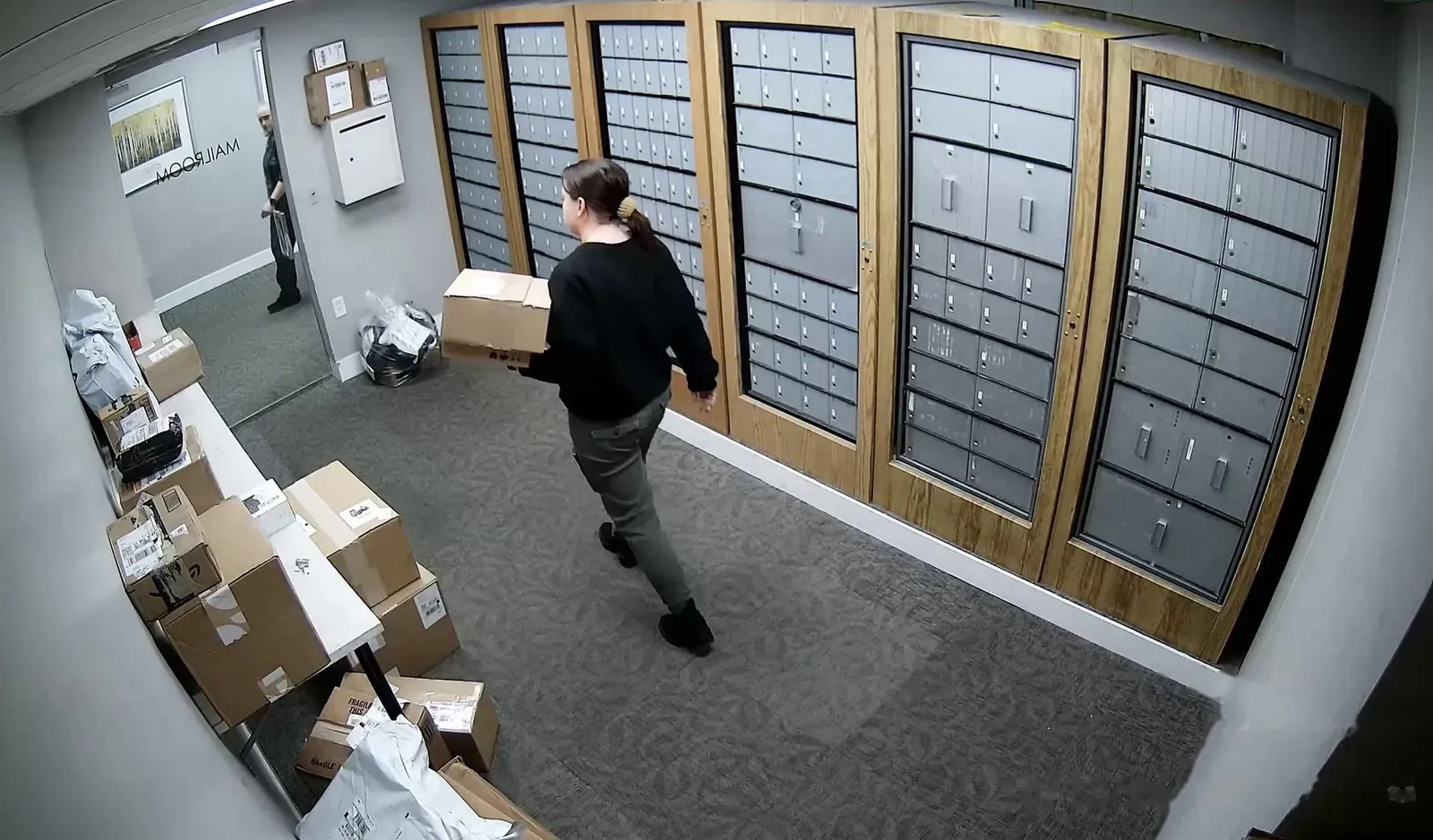
Multi-family housing
Package rooms, trash rooms, amenities and after-hours activity.
Learn more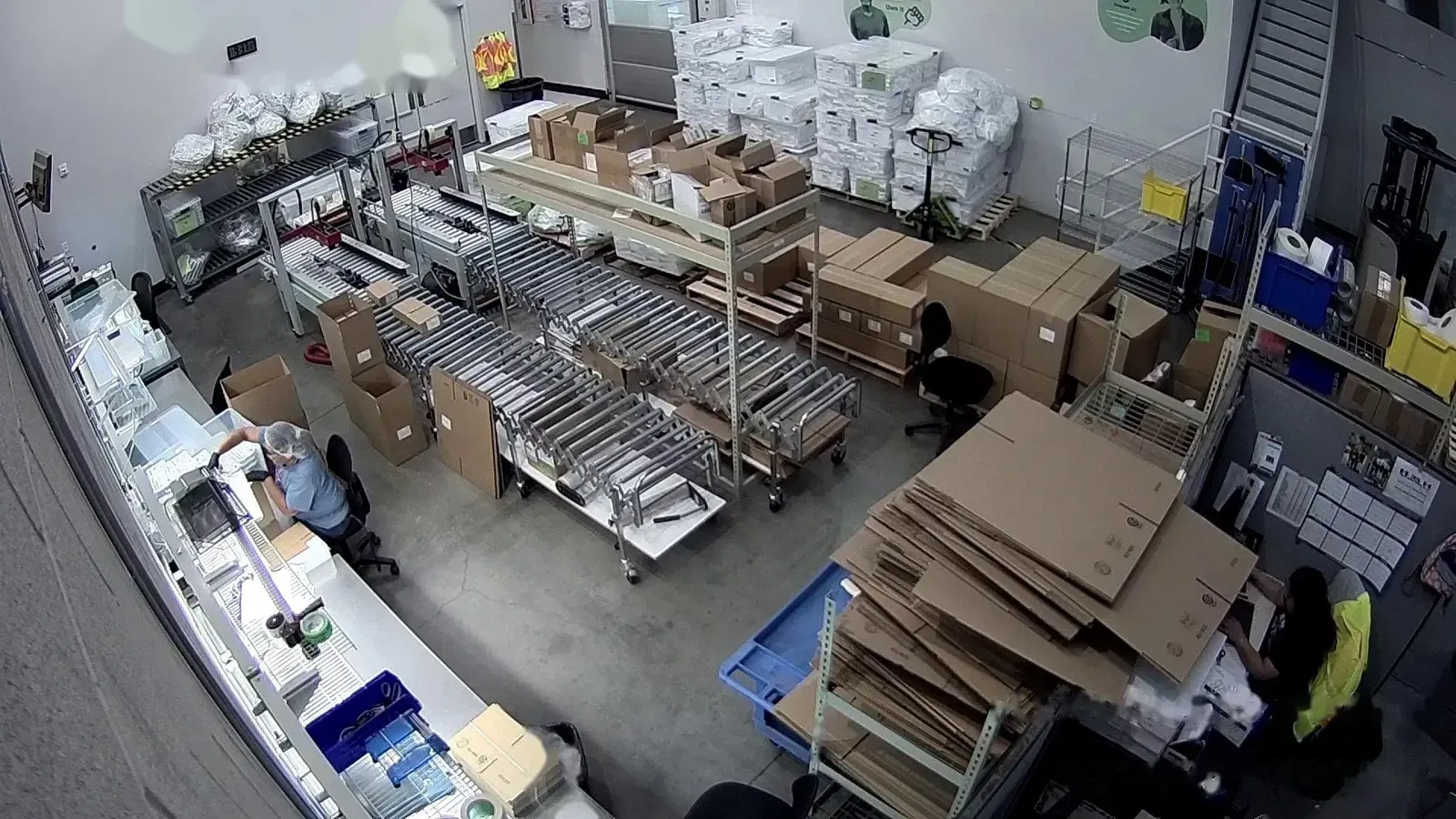
Manufacturing & warehouses
Production floors, docks, cold storage and perimeters.
Learn moreTell us about your site
Request an install date and we’ll go over the camera plan with you.
Request an install dateAutomatic talk-down through on-site speakers
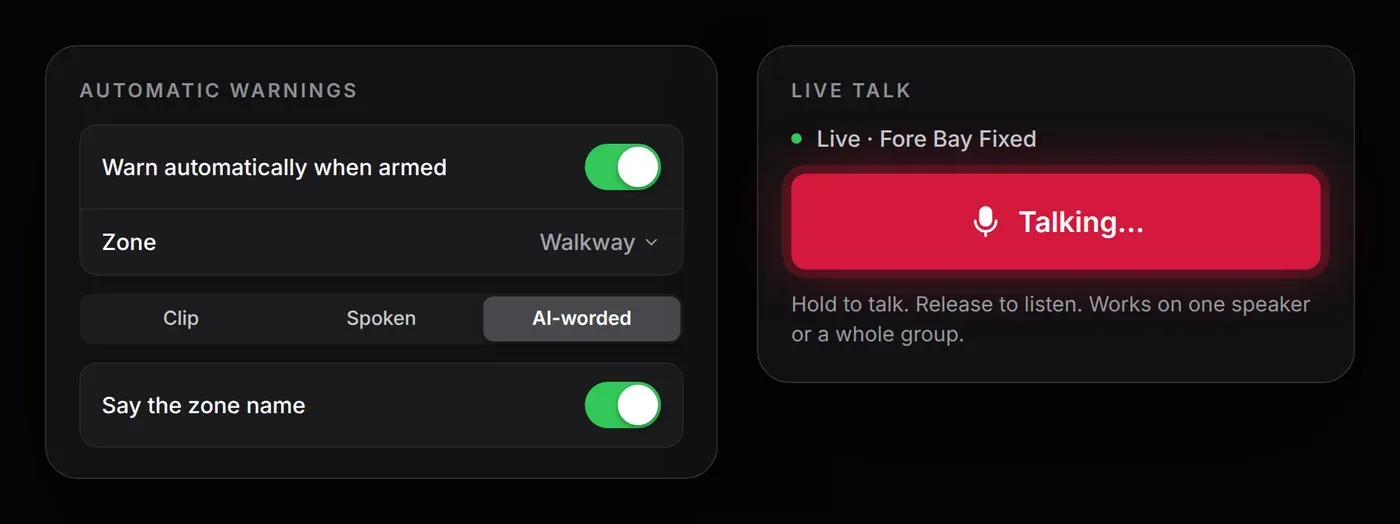
When someone enters an armed zone, the speakers for that camera or zone play a warning, for example “Person at the gate. You are being recorded.” You can also press and hold to talk live from the app.
- Automatic warningsA recorded clip, a typed message, or a warning that says what the camera saw and where.
- Live talkTalk through one speaker or all the speakers covering a camera.
Alerts with a snapshot and the clip
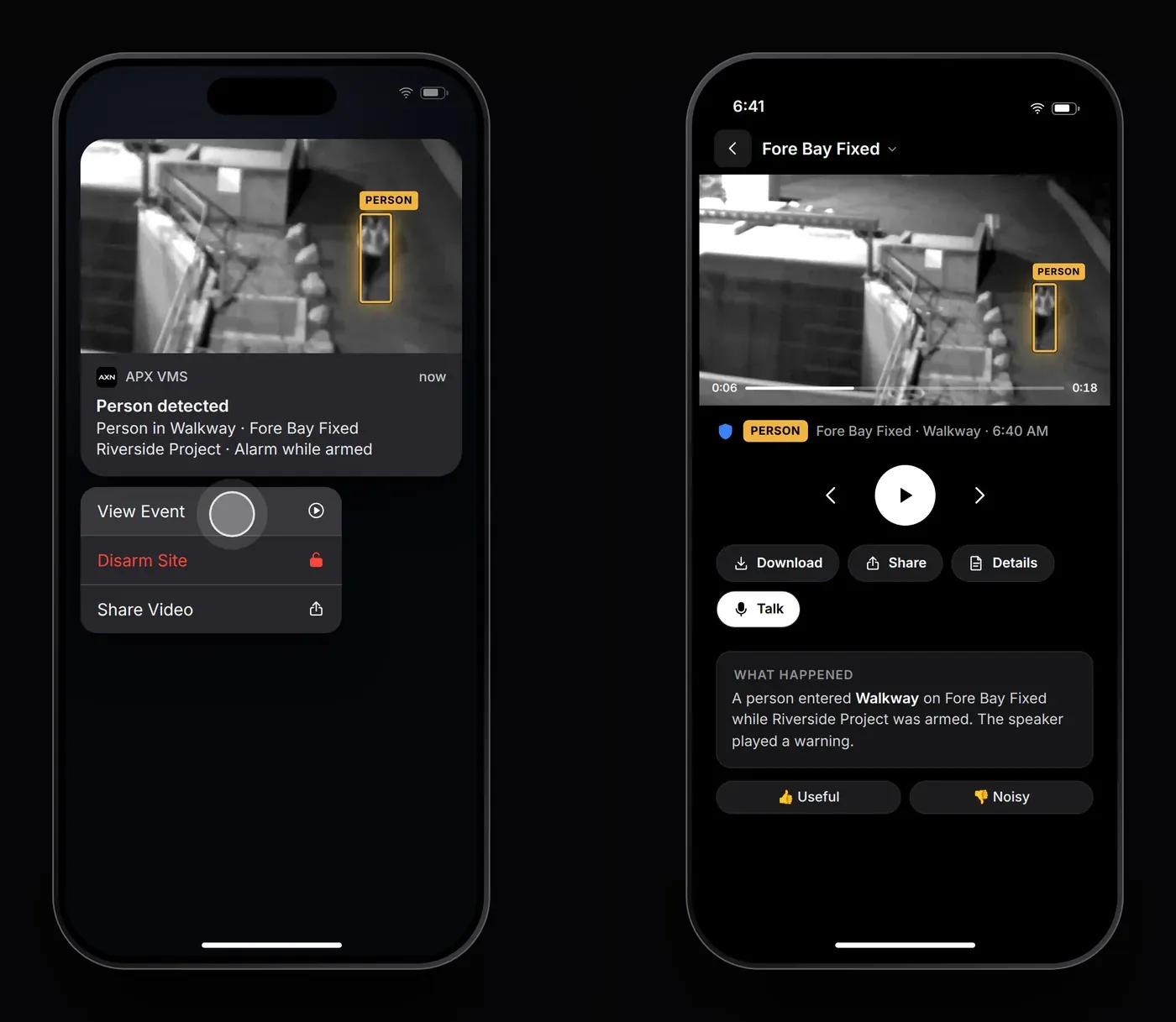
Each alarm arrives as a push notification with a snapshot of what triggered it. View Event opens the clip.
- ActionsView Event, Disarm Site or Share Video.
- Roles for each siteLive viewer, Manager or Site admin.
Search footage by description
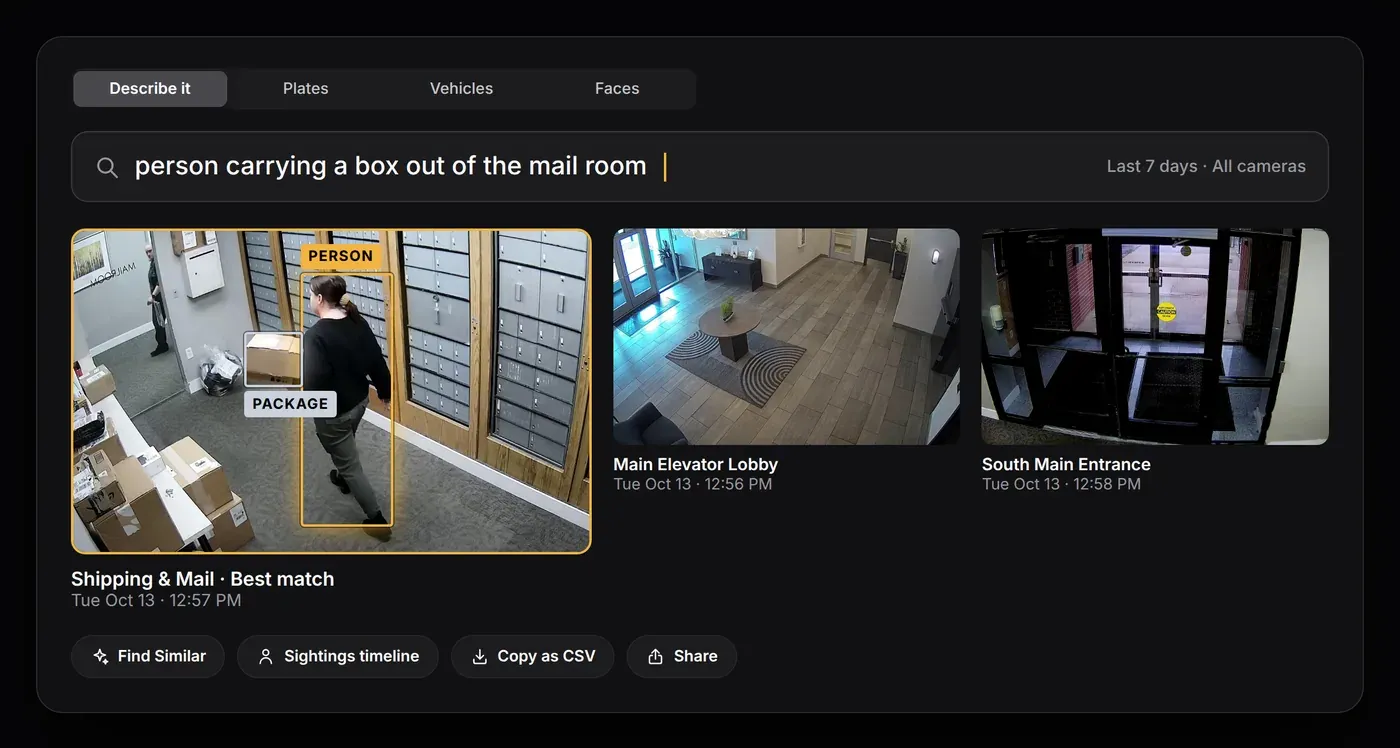
Describe what you’re looking for and go straight to the footage. Search by plate, vehicle or face, or use Find Similar to pull up related events.
- Describe it“person carrying a box out of the mail room”
- People across camerasEach person’s sightings on one timeline.
Detection zones and arming schedules
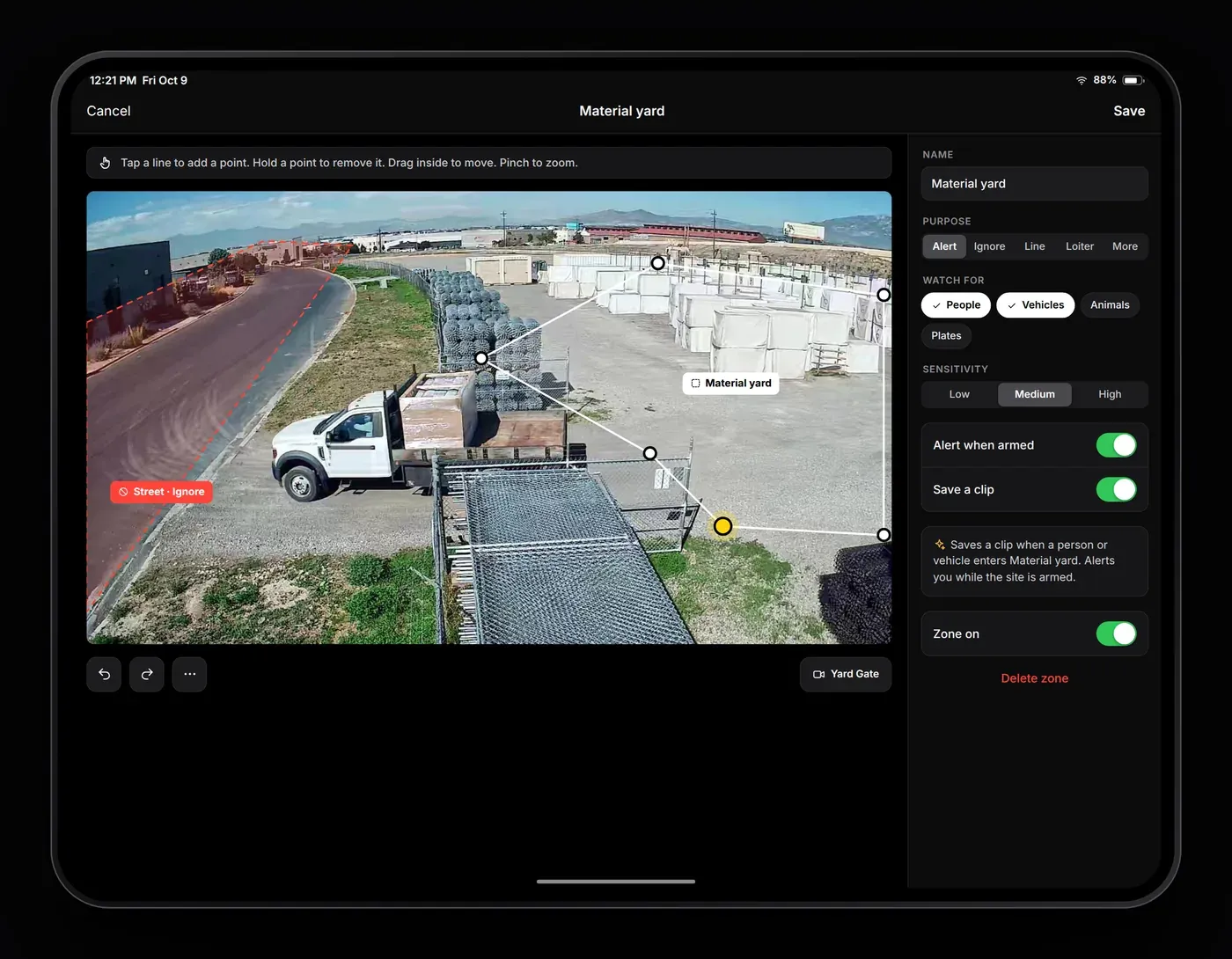
Set alert, ignore, line-crossing, loitering, crowd and privacy zones on each camera, then arm by hand or on a schedule.
- Ignore zonesKeep street traffic and moving trees from setting off alerts.
- SensorsLeak, door, temperature and more, in the same app as your cameras.
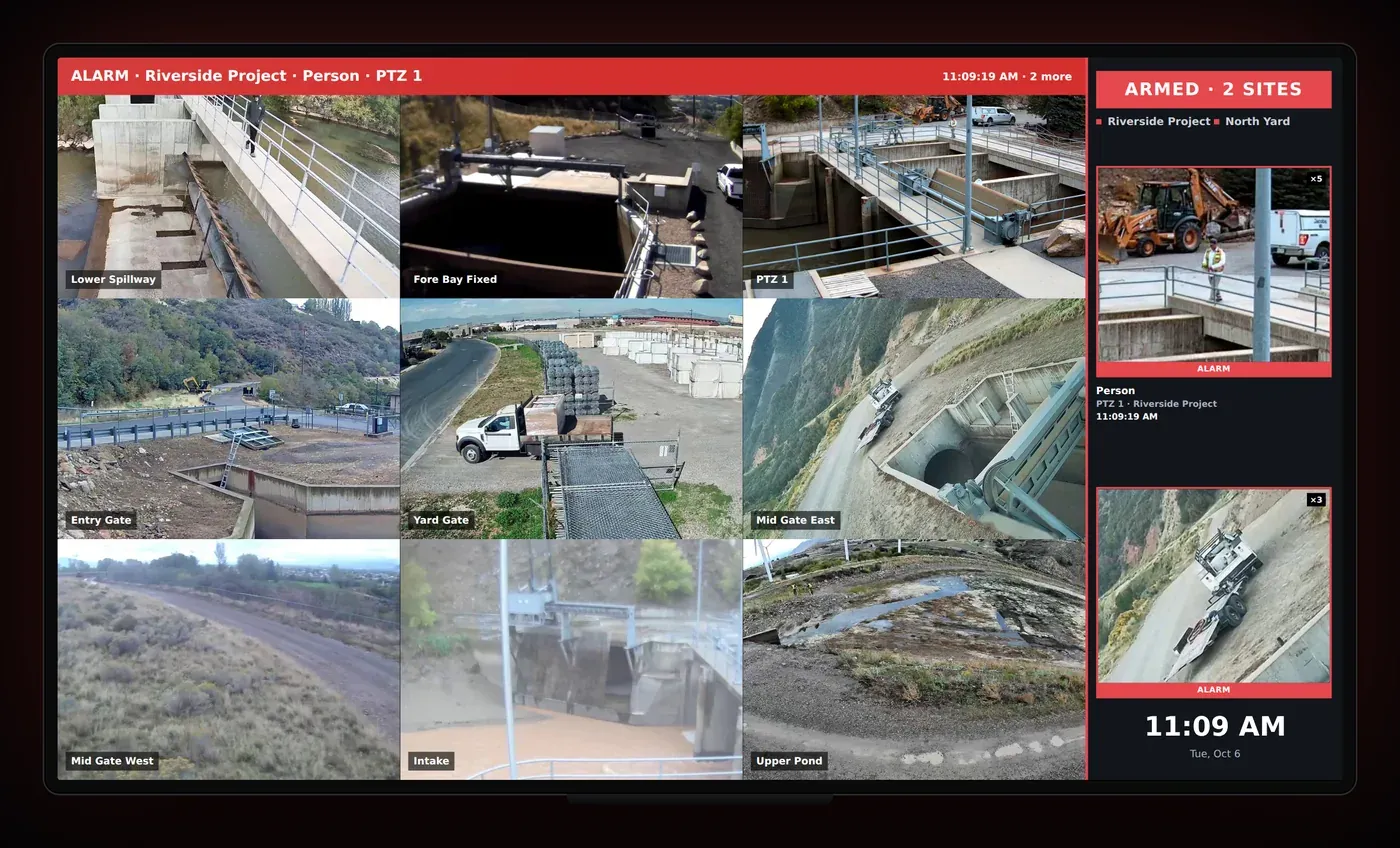
A video wall for any TV
A small display box plugs into a TV in the jobsite trailer, guard shack, office or at home, and you manage it from the app. When an alarm goes off, the wall shows the event and replays it.
- Alarm banner and alarm cardsWhat was detected, where, and a snapshot of each alarm.
- LayoutsOne camera up to 4×4, plus 1+5 and 1+7 spotlight layouts.
- Remote managementIdentify, restart or reboot the wall from the app.
Schedule your install
Tell us about your site and the date you’d like. We’ll call or email to confirm the date and the camera plan.